
【OS_Linux】查看Linux系统版本的命令
查看Linux系统版本的命令的方法
1、各版本通用的方法,查看 /etc/os-release 文件
1 | cat /etc/os-release |
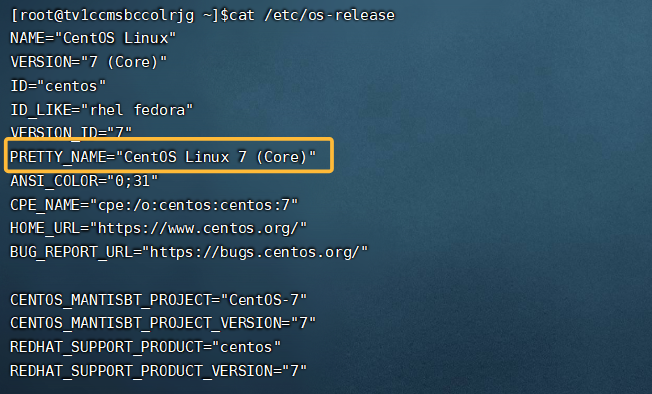
2、使用lsb_release -a命令【Linux Standard Base】(适用于RedHat、SUSE、Debian…等发行版,需安装 lsb-release 包)
如果运行命令提示不可用,需先安装对应包:
- Debian/Ubuntu:
sudo apt install lsb-release - CentOS/RHEL:
sudo yum install redhat-lsb-core
1 | [root@tv1ccmsbccolrjg ~]$lsb_release -a |
参考博文:查看Linux系统版本
本博客所有文章除特别声明外,均采用 CC BY-NC-SA 4.0 许可协议。转载请注明来源 咱村唯一架构师!